ALICE Receptionist Directory (ARD) User Interface Guide
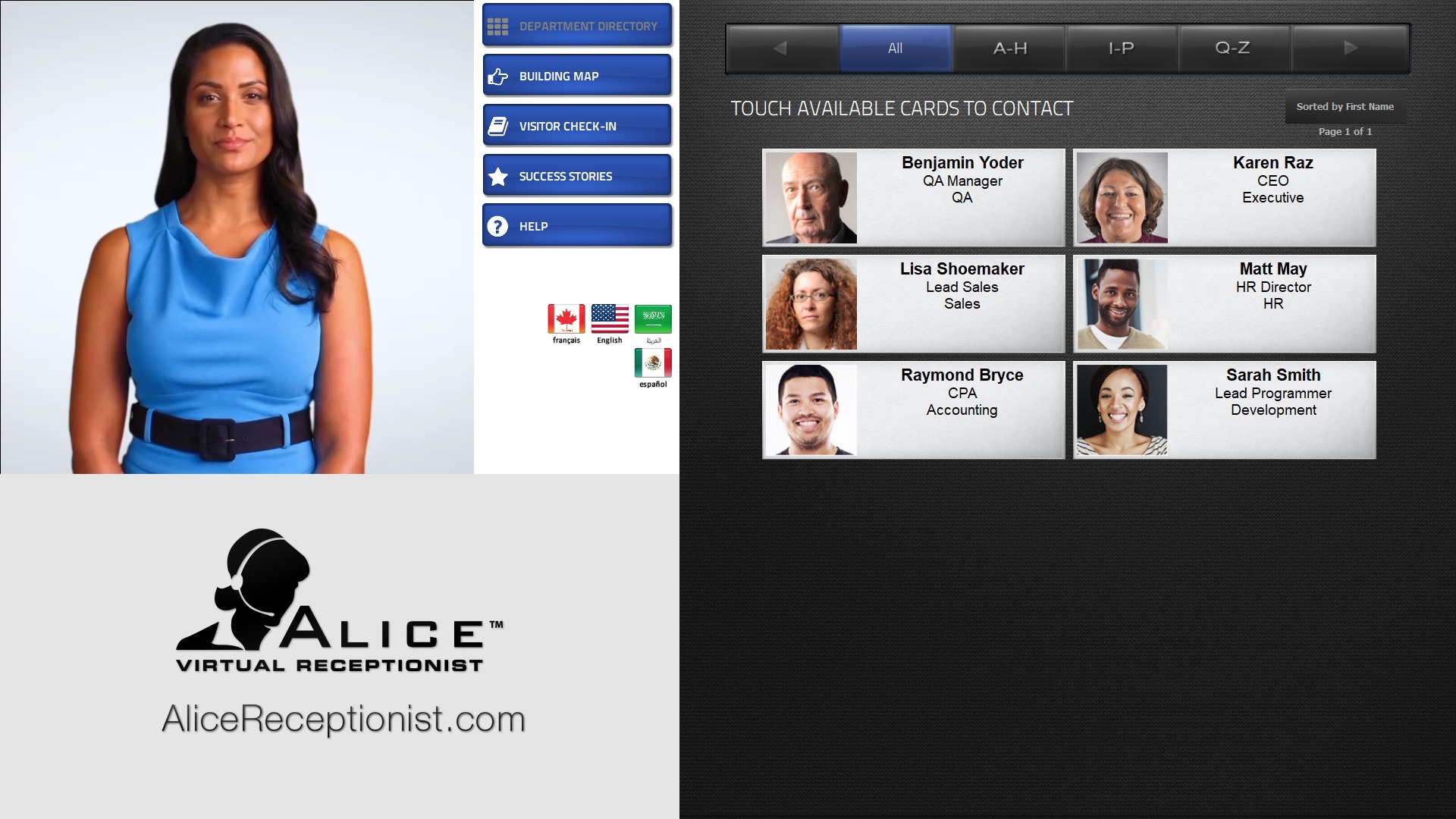
The ALICE Receptionist Directory (ARD The ALICE interface that appears on the ALICE Kiosk in your Lobby, also known as the ALICE Receptionist Directory) is the most advanced office lobby greeting system with extensive features and options. Using the ALICE Receptionist system, visitors can...
-
Connect with employees using audio and video calls.
-
Complete check-in and induction processes without the assistance of an employee.
-
Access self-help informational options such as maps, event details, or website access.
-
...and much more.
All these processes are completed using the user interface on the ALICE Receptionist Kiosk. Many of these features can be customized, so the display in this section may not perfectly match your own.
The ARD screen can be segmented into four major sections, outlined below.
ALICE Video Section
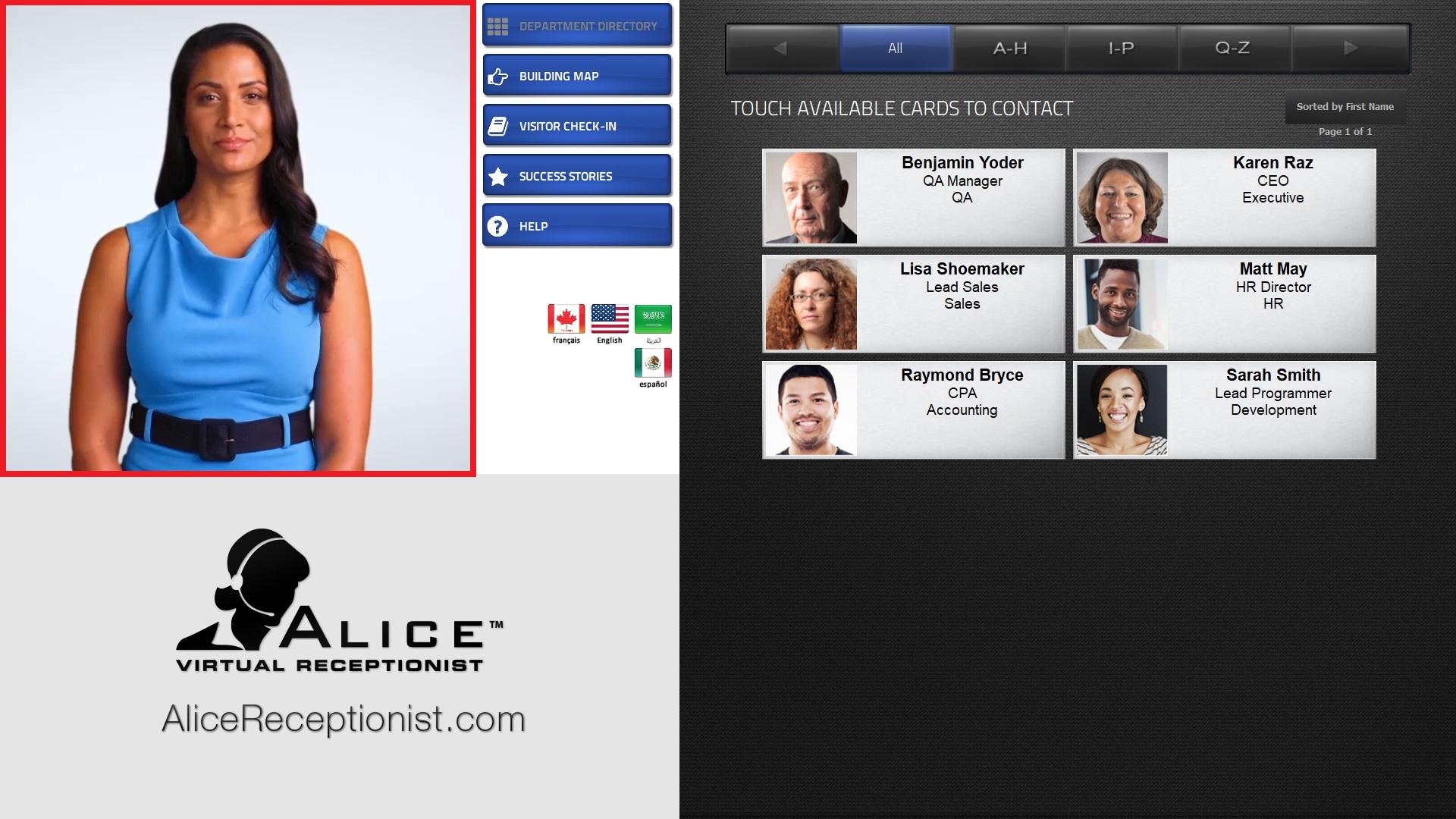
The ALICE video section is where all ALICE video clips are played. This includes the ALICE Receptionist avatar videos and the live-streaming video displayed during a video call.
Main Menu Section
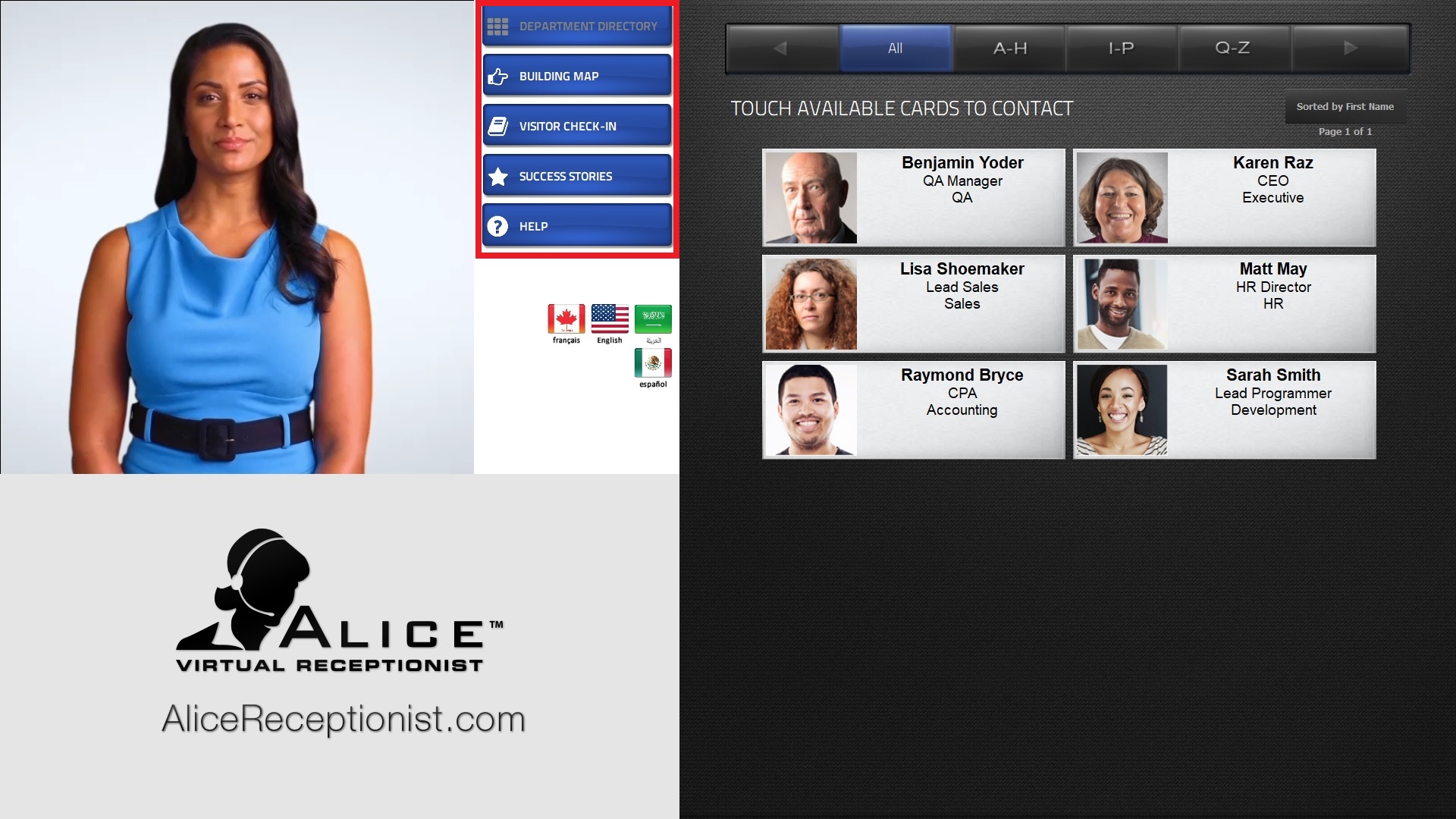
The Main Menu section consists of up to six menu buttons that remain static on the Directory screen at all times. These buttons provide visitors quick access to the most important features of their experience with ALICE, such as the Directory List, Visitor Check-in, Maps, Websites, and more.
Content Section
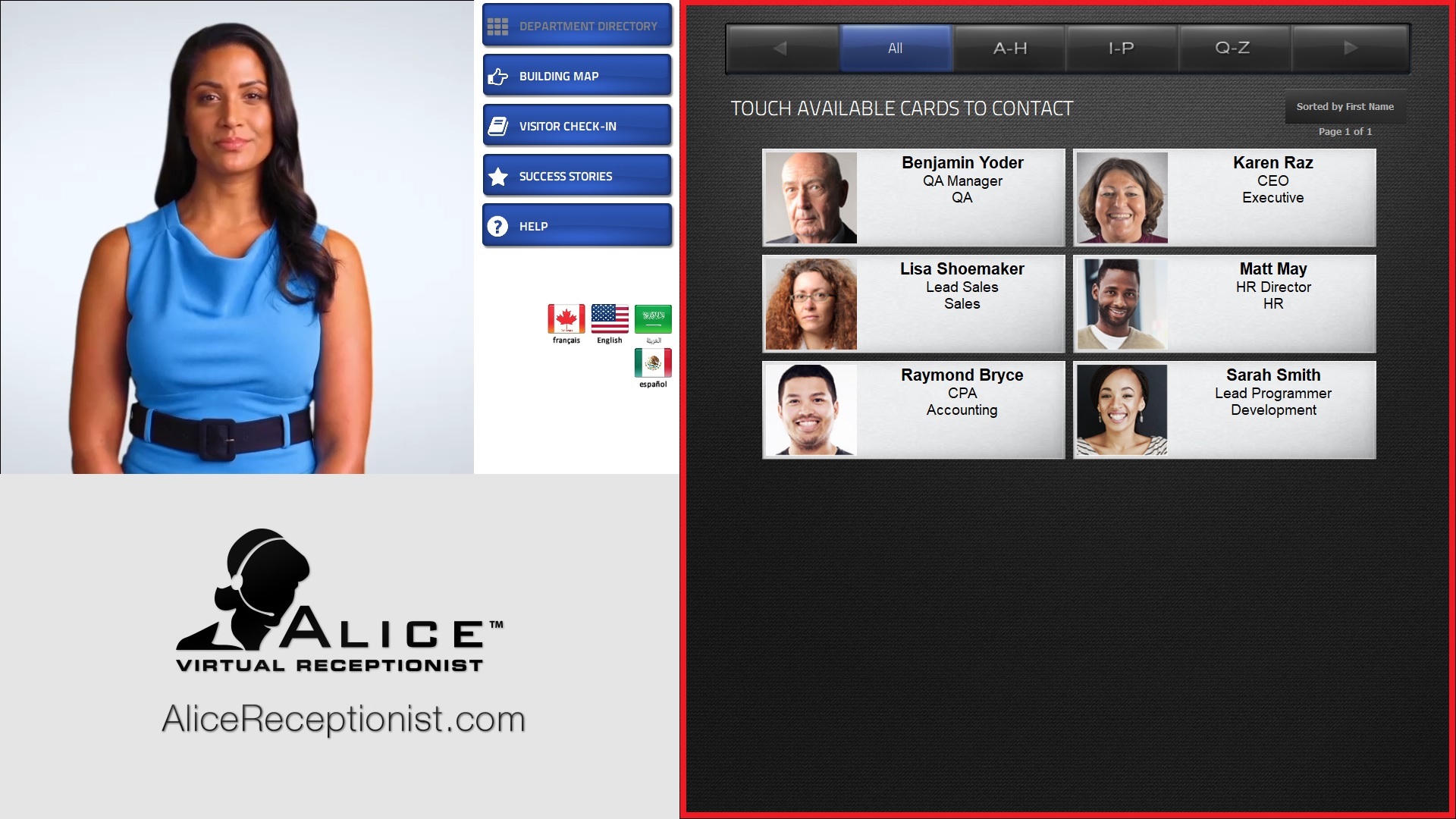
Depending on whether your ARD is in a landscape or portrait orientation, the content section will be located on either the right or bottom of the screen. This section changes depending on what content a Button or Card is configured to display. The typical type of content that appears in this space includes...
-
Directory List
-
Visitor Check-in / Check Out
-
Self-help informational items, such as pictures, videos, ALICE Widgets
ALICE Widgets are web-based features hosted on the ALICE Cloud servers that can be embedded into the ALICE Receptionist's content space. Widgets include weather, photo galleries, custom message HTML pages, and certain legacy versions of the induction processes., and websites.
After a set period of inactivity, the system will return to the homepage of the system. Which menu button is considered the homepage can be customized.
Directory List
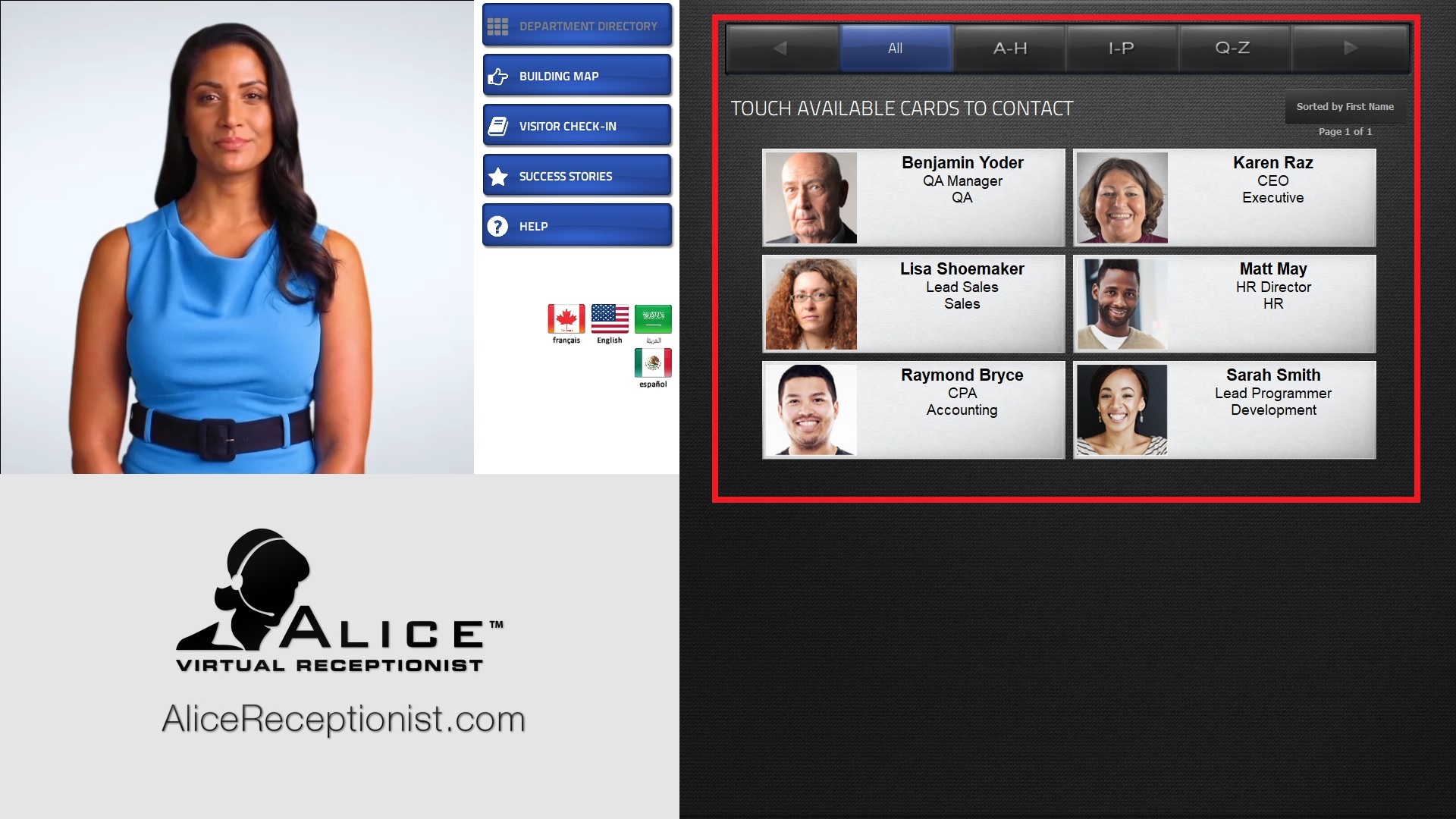
The Directory List displays a list of cards of individuals within your organization. While cards are configured to perform various functions, their primary purpose to contact individuals. Employee cards typically directly call the individual listed on the card. Multiple pages of Employee listings will appear if the number of listings exceeds the page's limit. The "Page" label displays the current page and the total number of pages available. Alphabetical sorting options are available for an Employee card. The visitor can also switch between first and last name sorting in the navigation bar above the card list.
Company and Department cards can also be configured. By default, they sort individuals between companies for multi-tenant systems or by their department. Company and Department cards can also be configured to place calls, typically to a Ring Group of individuals.
Visitor Check-in / Check Out
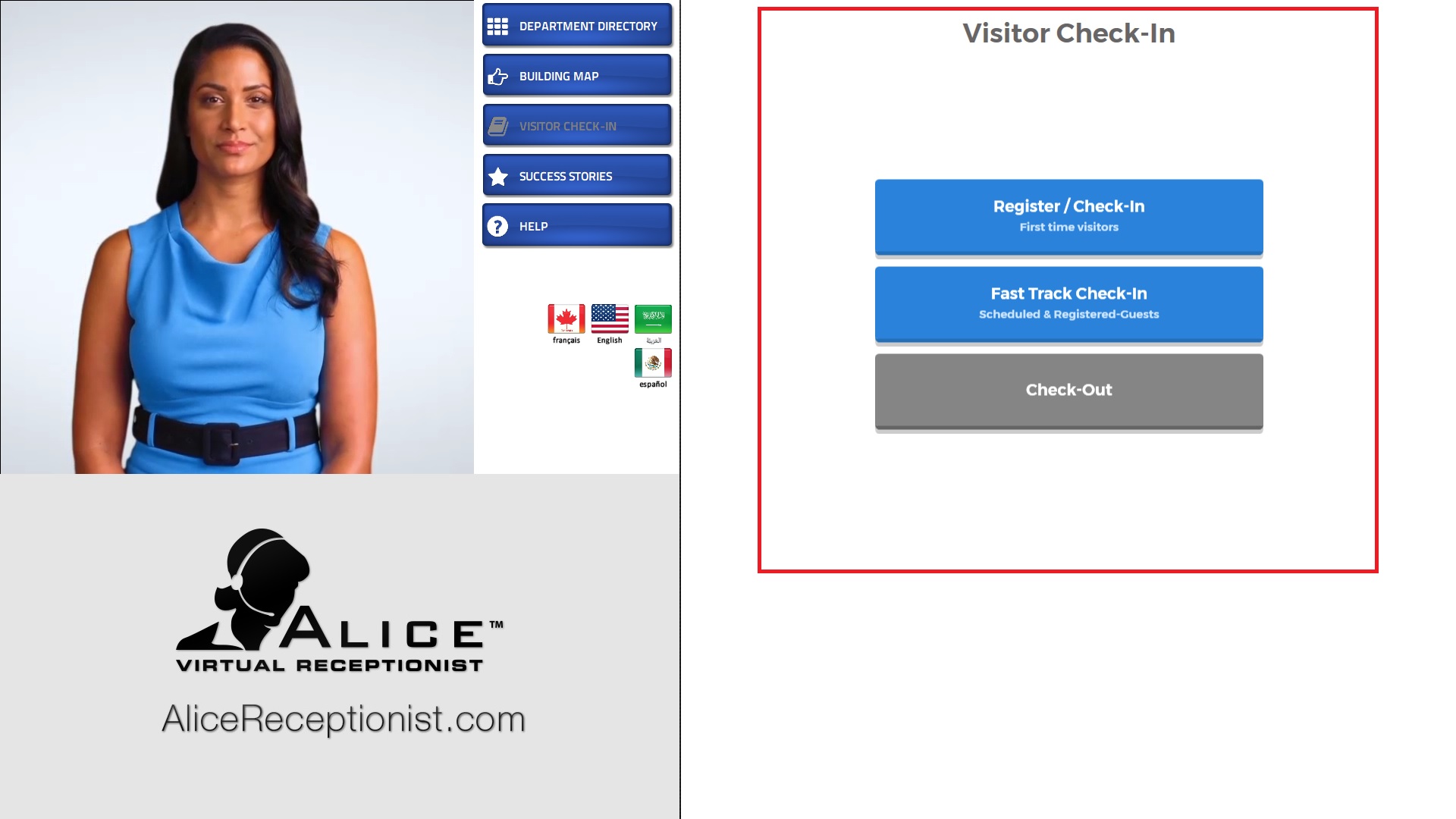
The Visitor Check-in / Check Out feature, also known as the AVM The ALICE Visitor Management (AVM) application for visitor check in., provides a way for visitors to check in and check out of a building using the ALICE Receptionist system. The visitor can either use "Register / Check-in" for first or one time visits, or the "Fast Track Check-in" if they are a registered visitor or have an appointment. Once the visitor completes the process, their host may be informed through a notification message, and a badge will be printed for the visitor.
During this process, the visitor can be required to...
-
Provide their information such as First Name, Last Name, email, phone, etc.
-
Answer survey questions.
-
Watch induction videos.
-
Review and sign documents.
-
Undergo health and safety screenings with temperature checks (requires ELO's thermal camera hardware), vaccine status verification (requires an additional service), and mask detection.
-
Facial Recognition or Driver's License checks for screening and identity verification (requires additional services and hardware).
Self-Help Informational Services
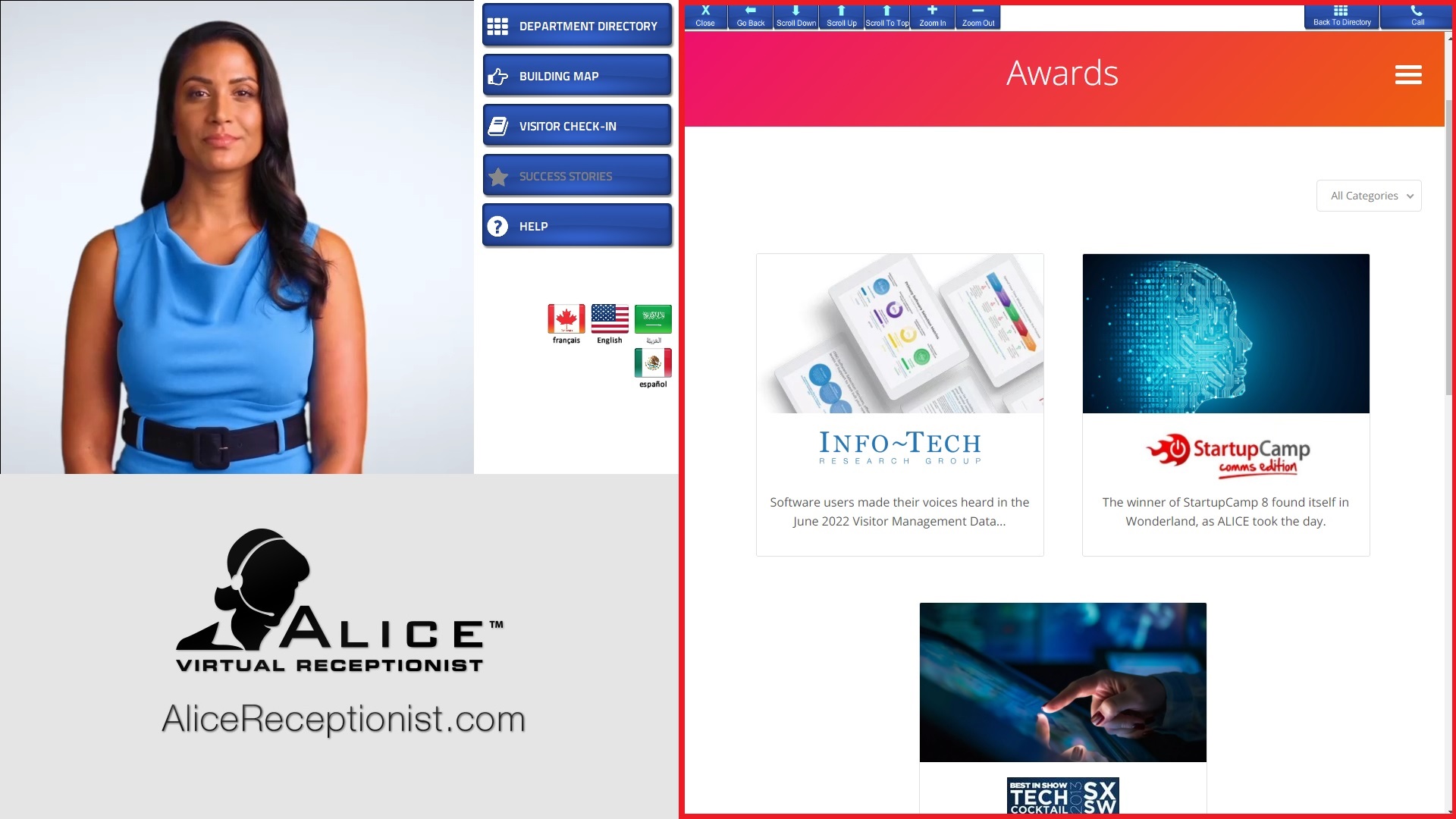
A variety of self-help options can be configured to the menu buttons or cards on the ARD. The purposes of these can be wide-ranging, but typically focus on...
-
Maps for way-finding.
-
Photo galleries for company announcements.
-
Websites to provide interactive information or web forms.
-
Instructions for guests looking to complete specific processes.
-
Any other information that can be provided through a media file or webpage.
Language Selection
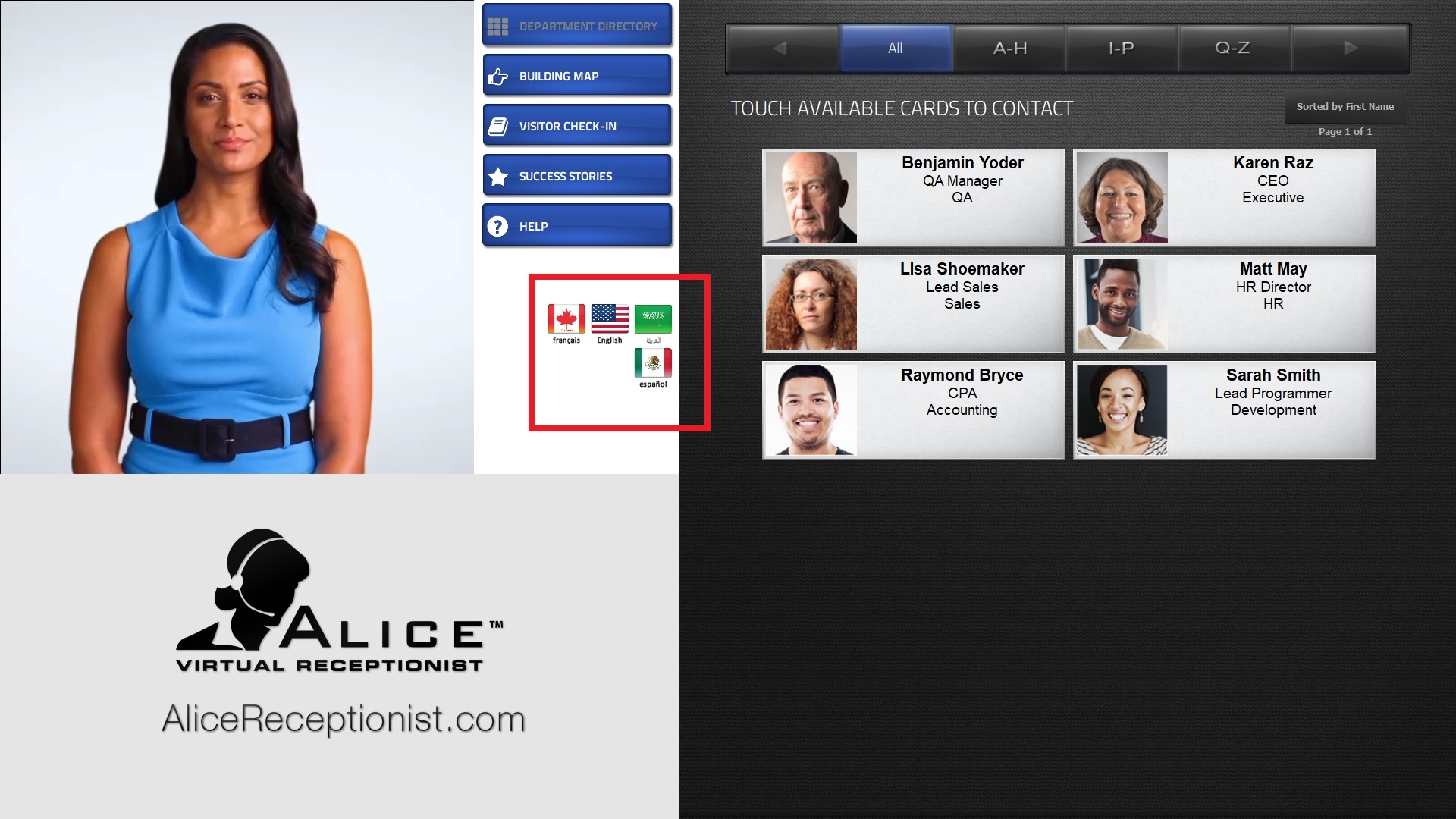
Visitors can select which language they would like to use when interacting with the ALICE Receptionist system. Selecting one of the available flags will change the spoken language of the ALICE Receptionist avatar and translate the user interface. After a set period of time, the ALICE Directory interface will return the system's default language.